
Integration Phase
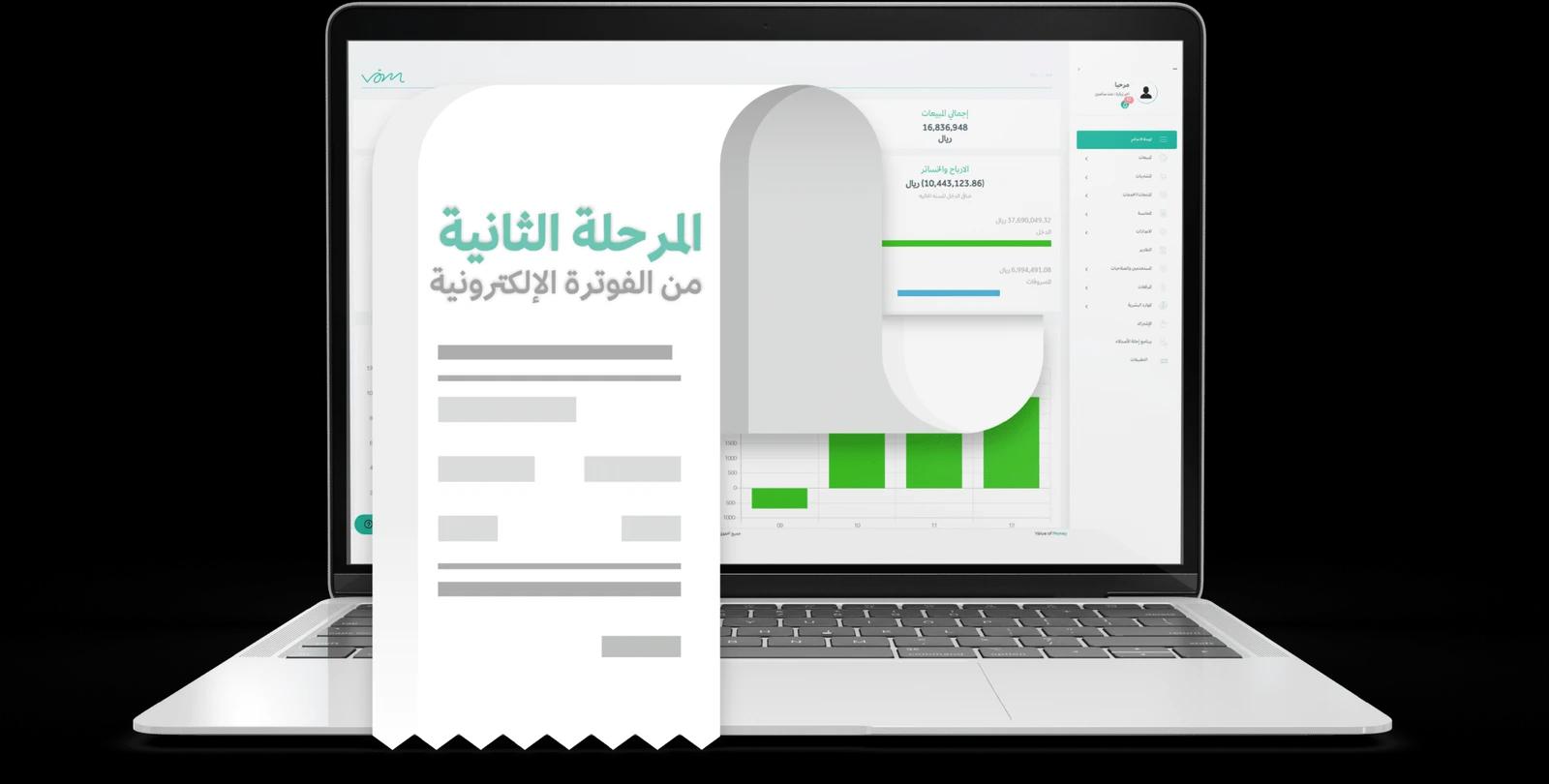
The second phase of electronic invoicing integration with direct submission to the Zakat, Tax, and Customs Authority
What is the Second Phase of Electronic Invoicing?
The second phase, known as the integration phase, requires linking the taxpayer’s electronic invoicing systems with the Zakat, Tax, and Customs Authority system (Fatoora platform). Electronic invoices must be issued in the required format. It is being rolled out in waves, and the Zakat, Tax, and Customs Authority notifies taxpayers of their wave at least 6 months in advance
Importance of the Second Phase of Electronic Invoicing
This phase adds more transparency and accuracy to financial reporting processes, enhancing confidence in the business environment and facilitating business operations in general
Readiness Conditions for Any Facility for the Second Phase of Electronic Invoicing

Approval
Use an electronic accounting software with a billing system that complies with the Kingdom’s second-phase electronic invoicing requirements. This system should be capable of issuing and storing invoices in XML or PDF/A-3 format, including XML data and all required fields
Ensure the accounting software and billing system are cloud-based and internet-connected

Integrate
Integrate invoices with the “Fatoora” platform launched by the Zakat, Tax, and Customs Authority

Commitment
Adhere to data security standards in the Kingdom, including the inclusion of a Quick Response (QR) Code on invoices to prevent forgery or manipulation
Requirements for Electronic Invoicing in the Second Phase

Ensure
Ensure that the technical solution of the establishment complies with all electronic invoicing requirements, including verification of internet connectivity capability

Enhance
Enhance integration and linkage between the electronic invoicing technical solution and the “Fatoora” system of the authority

Issue
Issue and store electronic invoices according to the specified format (XML) or (PDF/A-3, including XML format)

Comply
Comply with the technical and technological specifications of the second phase of electronic invoicing (Fatoora)
How to Get Started in the Second Phase?

Taxpayers Notification
The Zakat, Tax, and Customs Authority notifies taxpayers about the wave of linking and integration specific to them

Accessing the taxpayer portal

Clicking on the “Fatoora platform” icon

Clicking on setting up the electronic invoicing solution

Generate OTP

Insert OTP in your accounting service provider

After setting up the device, the taxpayer begins generating invoices
How Does the Second Phase Work?
Some wonder about the mechanism of operation of the second phase of electronic invoicing. Below, we’ll provide a simple explanation along with the differences
Tax Invoices
The mechanism of electronic invoicing for tax invoices often involves linking and integrating between one establishment and another in the second phase

The seller issues the electronic invoice containing all elements of the tax invoice

The seller shares the invoice with the Zakat, Tax, and Customs Authority through electronic linking for clearance: the authority validates and stamps the invoice, then returns it to the seller

The seller shares the electronically approved invoice from the authority with the buyer in a readable format

The seller electronically stores the invoice
Simplified Tax Invoices
The mechanism of electronic invoicing for simplified tax invoices often involves linking and integrating between one establishment and another in the second phase
The seller issues the electronic invoice containing all elements of the simplified tax invoice
The seller delivers the invoice to the buyer
The seller electronically stores the invoice
The seller shares the invoice with the authority within a timeframe not exceeding 24 hours, automatically through linking their technical solution with the “Fatoora” platform
Features of Integrating the Second Phase of Electronic Invoicing with VoM
The second phase of integration with the Zakat, Tax, and Customs Authority is an important step towards facilitating your business operations and enhancing compliance
How Does VoM Help You Integrate With the Zakat, Tax, and Customs Authority?
Facilitating the Submission Process
All taxpayers can now submit their invoices easily to the Zakat, Tax, and Customs Authority through the VoM accounting software, while saving time and effort as VoM ensures invoice submission according to the required schedule and revenue classification
Smooth Invoice Submission
Our clients can now smoothly submit invoices, whether tax invoices or simplified tax invoices, directly through the integrated VoM accounting software
Ease of Handling Debit and Credit Notes
VoM users can issue debit and credit notes against their invoices, in part or in full. They are sent to the Zakat, Tax, and Customs Authority according to its requirements, ensuring complete transparency and accuracy
Immediate Support in Case of Non-submission
We deal with submission issues as quickly as possible, as our VoM accounting software automatically resubmits invoices in case of non-submission
Cleared or Reported the Moment You Save
Tax invoices are cleared and simplified invoices are reported automatically when you save them, and every document shows its ZATCA status
Errors Explained in Plain Language
If ZATCA rejects an invoice, VoM shows the reason in Arabic and English with how to fix it, and a dashboard alert counts the documents that need your attention
The Cleared Invoice Reaches Your Customer
Once a tax invoice is cleared, your customer receives it by email with the signed XML and a PDF
Simplifying Operations
The VoM accounting platform primarily aims to simplify dealing with all settings related to electronic invoices, providing customers with ease of use and ensuring compliance with ZATCA regulations

We are here to ensure a stress-free and successful experience. Join us today and enjoy the great benefits offered by the second phase “Integration Phase” with the Zakat, Tax, and Customs Authority